 Image 1 of 3
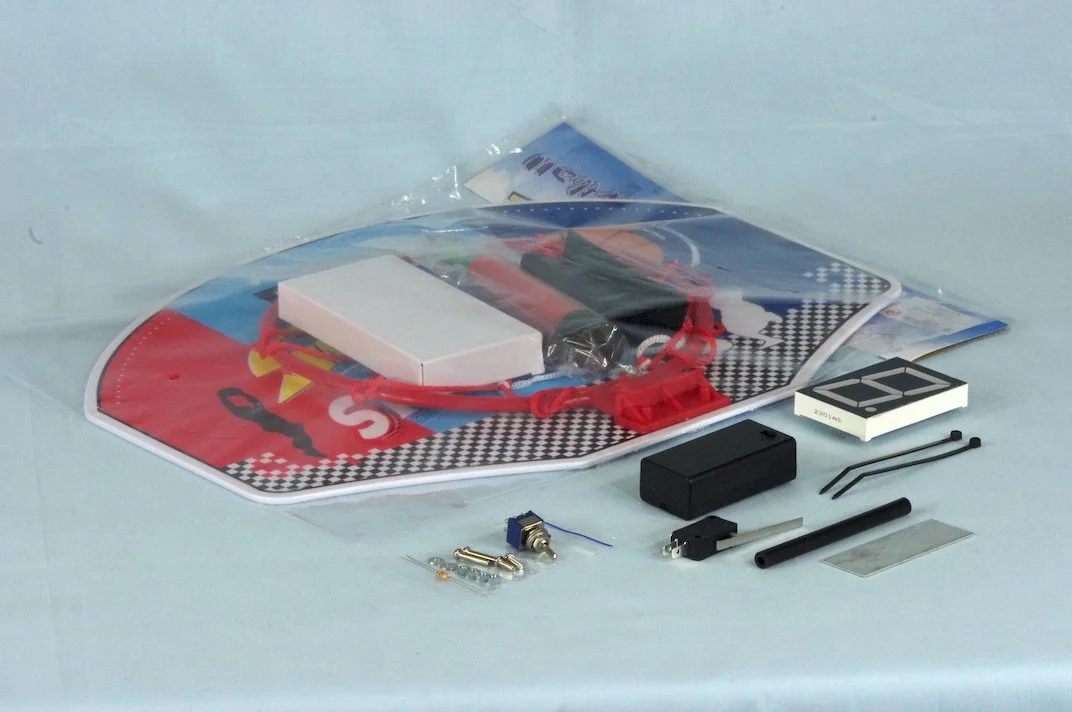 Image 2 of 3
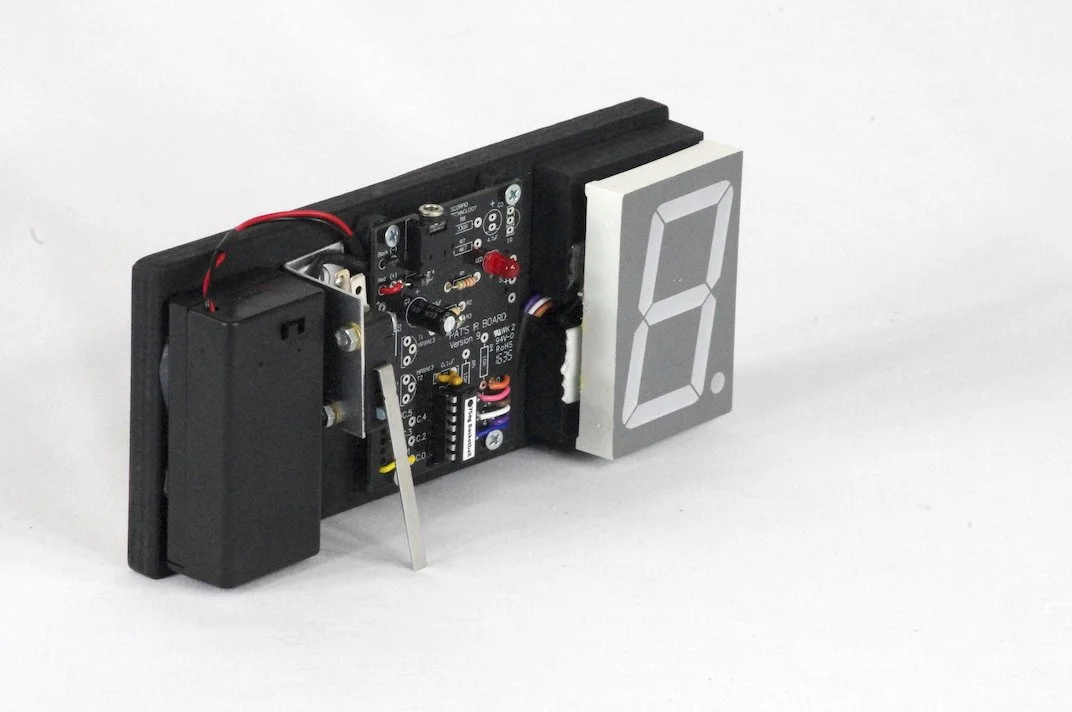 Image 3 of 3
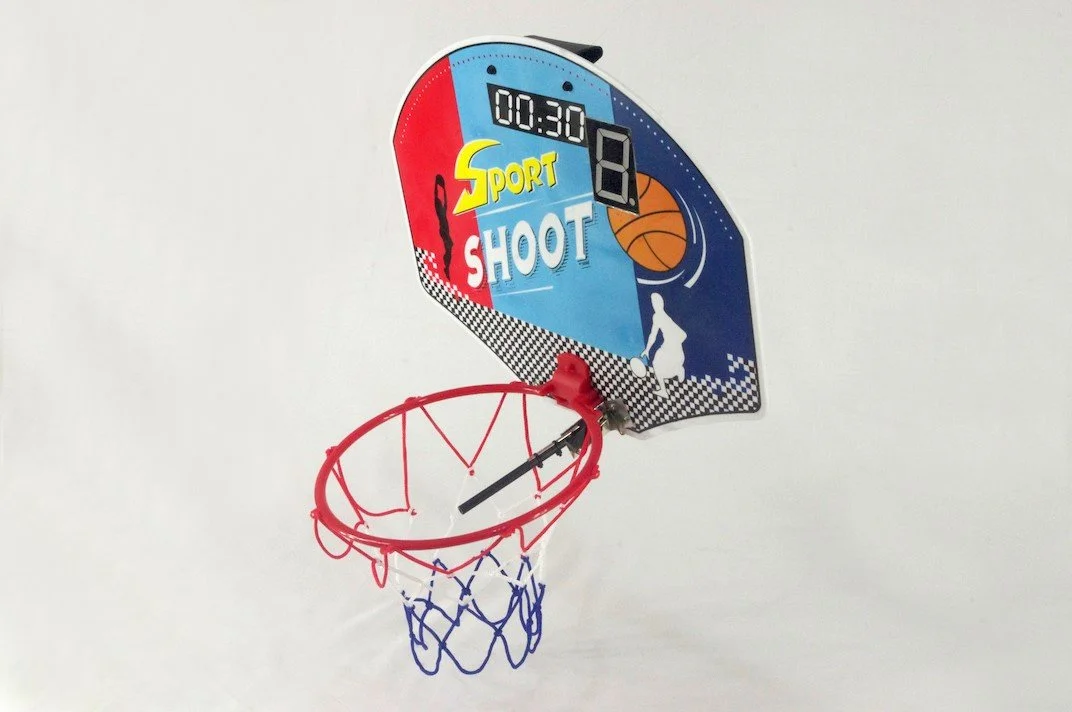
This project – PAT’S BASKETBALL COUNTER is an Add-on project that is designed to be used with PAT’S 14M2MICROCONTROLLER.
It is aimed at expanding the students’ knowledge and experience of programming that was introduced by building the microcontroller. This kit uses a 7 Segment display to indicate the number of points scored using a practice basketball game.
This disc can be programmed for manual control, or can be controlled by use of PAT’S INFRA RED Add-on kit.
This kit consists of an indoor Basketball set (Backboard Size 36 L x 26cm W; Hoop Diameter 19cm; Basketball Diameter 10cm), a 2.3” 7 segment display (counter), a microswitch (with a lever extension) and attaching parts. Every time you score, the display records the increasing goal tally.
(The set may vary from the photo).
Soldering Required: Yes
Hours to Construct: 4 - 10
Hours to Programme: 1
Components included: Mechanical, Electrical, Electronics, PCBs
Level: Introductory Programming
Click here to see our teaching unit Overview for important information relating to the kit including additional requirements.
Click here to see our PAT’S MICROCONTROLLER KIT teaching unit Overview for important information relating to the kit including additional requirements.
Click here to see our PAT’S MICROCONTROLLER KIT - NO LEDs OR BUZZER teaching unit Overview for important information relating to the kit including additional requirements.
Prototype illustrated is one of several possible outcomes.
IMPORTANT:
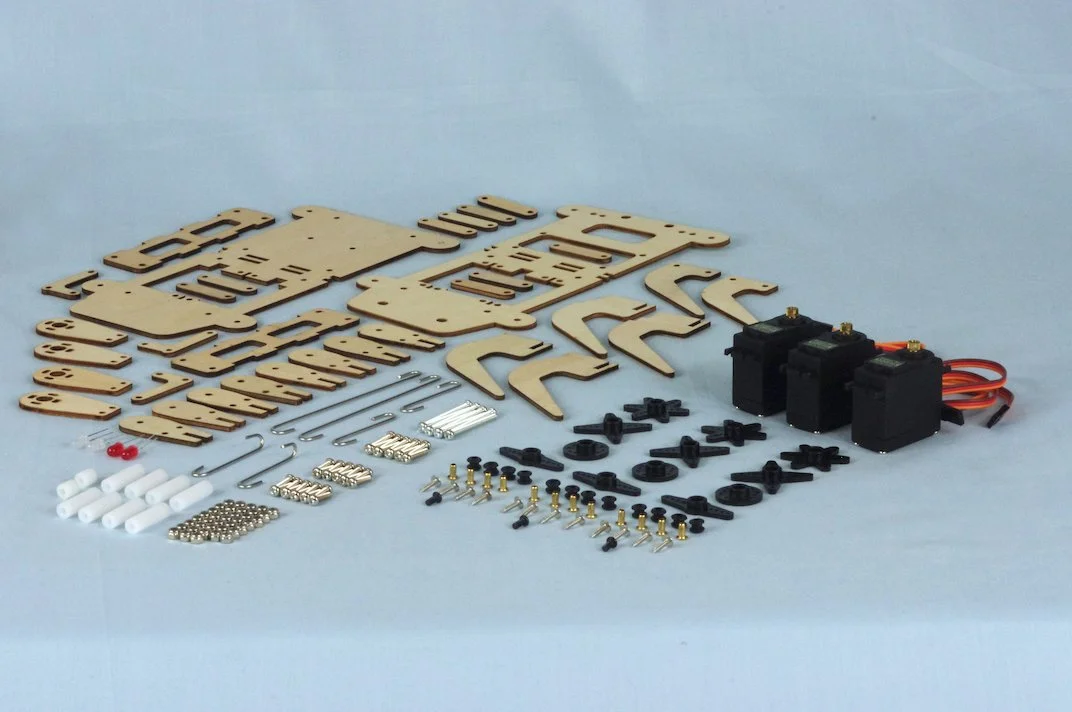
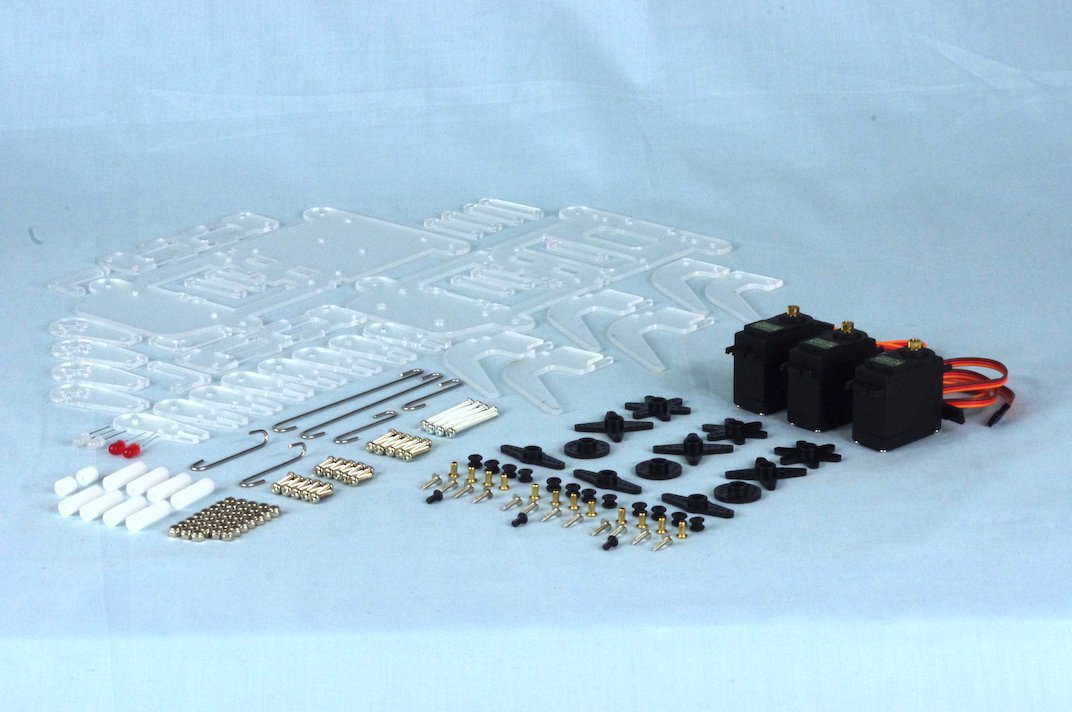
TECHNOLOGY KIT CONTENTS. Our kits contain all the electrical, electronic and mechanical components needed to build the device (only). The teacher supplies readily available material for wiring, making body parts, etc. – NO BODY PARTS OR WIRES ARE INCLUDED in the kits. Each order includes comprehensive instructions / Teaching Unit.
A PICAXE download cable (PICUCAB) IS REQUIRED to download programs from your computer & can be purchased from us.
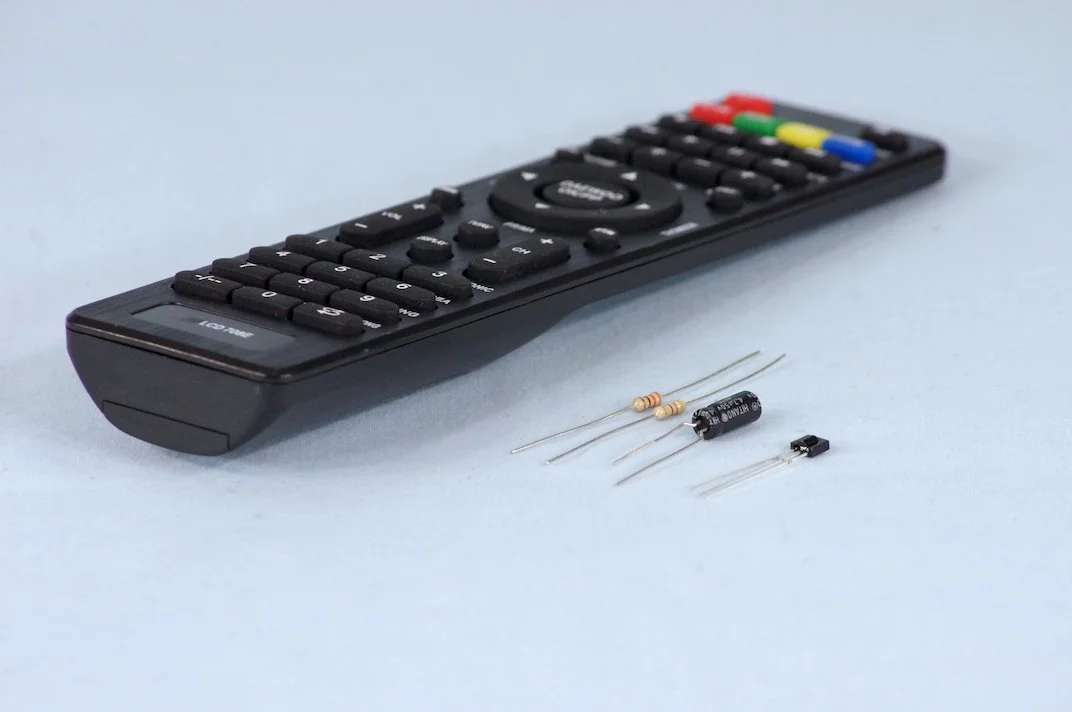
All of the kits can also be controlled using an Infra-Red remote - by getting the Infra-Red Add-On kit.